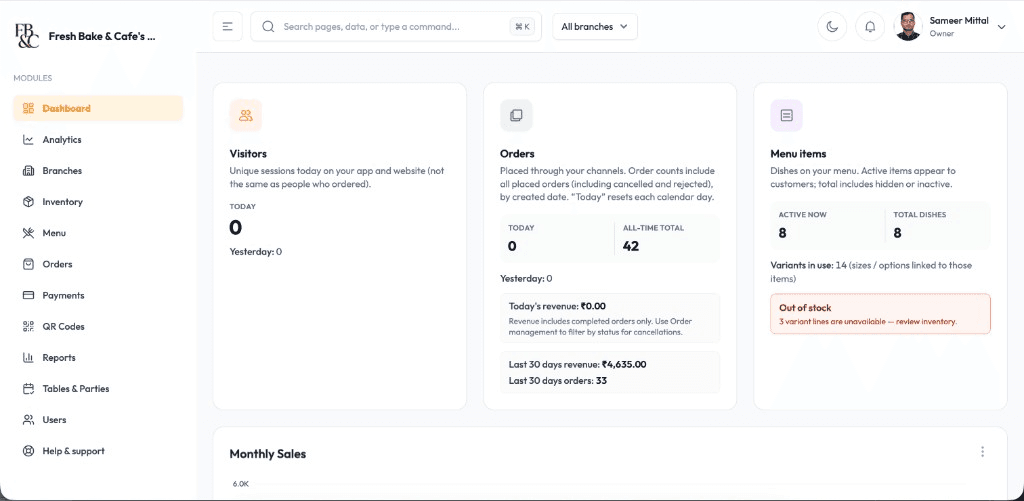
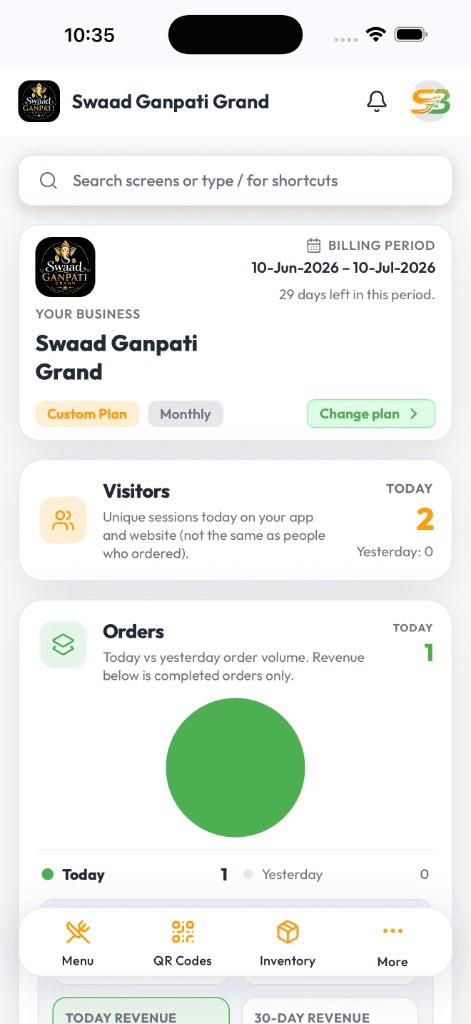
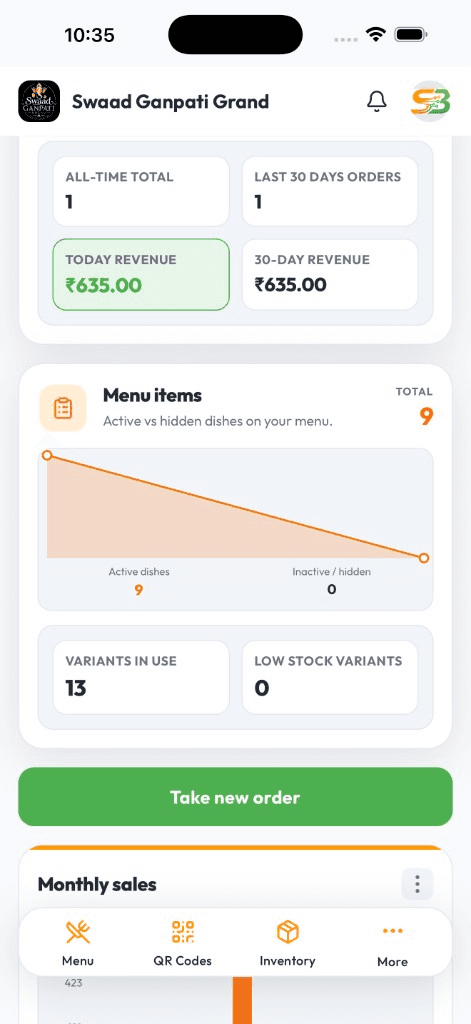
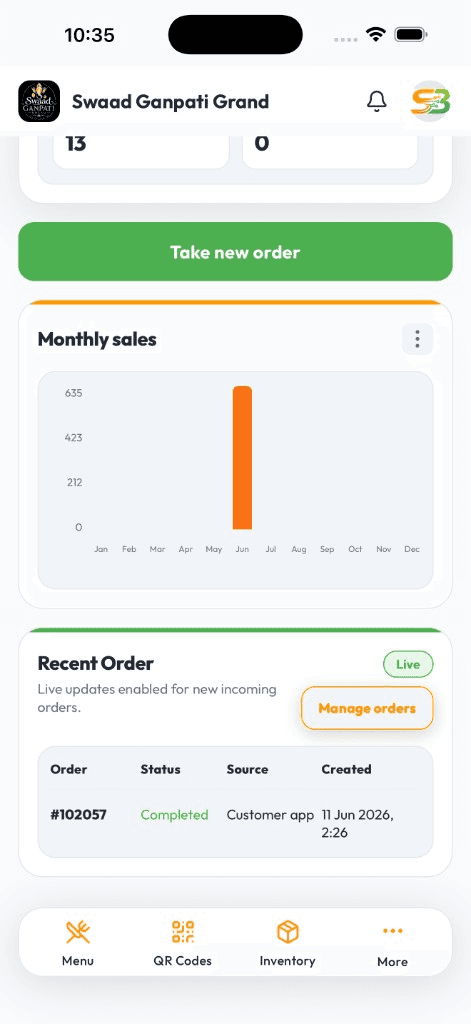
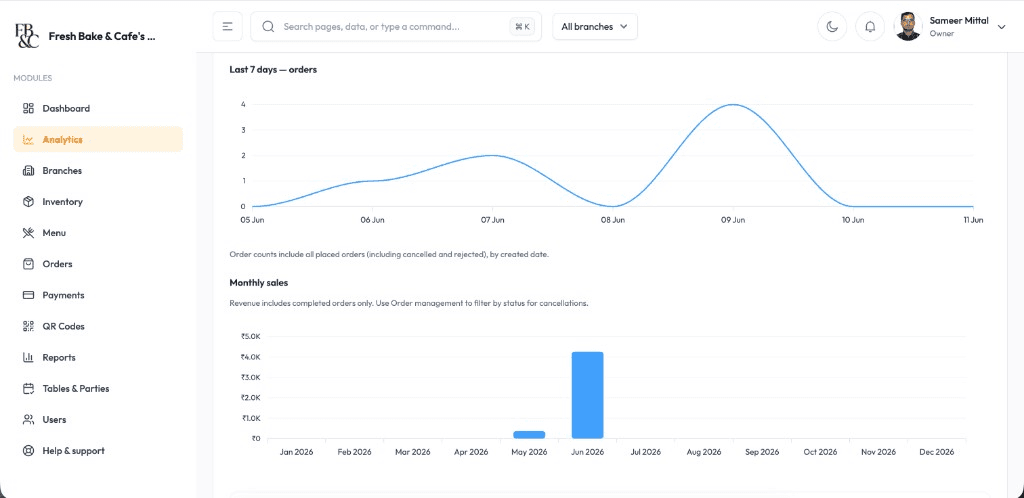
Tap the usual order, take UPI, and get the next guest. Pastry sold-outs update before someone bills a croissant that is already gone.
Repeat drinks, sizes, and extras in a few taps — built for small tickets, not hotel banquet bills
Mark a pastry sold out in seconds so the counter stops selling empty trays
See which SKUs moved after rush — from your phone, not a till roll at close
Live DashboardAvailable on Android & iOS
A billing machine is slow the moment the queue is not
Cafe tickets are small and fast. If staff hunt through a desktop till, guests wait, and the person on pastry still has no idea what sold. By the time you count the tray, you already billed what was not there.
SwaadByte is phone billing for that pace: counter orders, table QR if you have seats, and stock that follows the bill. You check bestsellers between the morning and afternoon shift — not from a notebook after close.
What a cafe or bakery counter actually needs
Speed at the till, honest trays, and a number you can open on your phone after you step off the floor.
Fast counter billing
Repeat items, sizes, and extras on Android or iPhone. Cash, UPI, and split payments without walking to a back-office PC.
Table QR if you have seats
Guests scan, browse, and order from their phone. Tickets land in the same queue as the counter — kitchen is not watching two systems.
Sold-out and stock on the till
Link items to stock and hide what is gone. Billing only offers what is on the tray or in the fridge.
WhatsApp bills after online pay
Guests who pay online get a GST PDF on WhatsApp. Less paper at a two-foot counter.
What sold after rush
Top drinks, pastries, and busy hours on your phone. Prep tomorrow's batch from that, not from memory.
Takeaway and dine-in together
Parcel and table tickets on one board. Useful when the queue and the seating area peak at the same time.
Counter Speed
Keep the queue moving without losing the tray count
Shorter waits at the till
Saved favourites and quick modifiers cut the time between 'usual' and paid — especially on Saturday mornings.
Trays that match the till
Sold-out updates hit billing immediately. Fewer arguments at the counter about a pastry that already sold.
A honest read after close
See which SKUs moved and when the rush hit, from Android or iPhone — useful before you bake or brew the next day.
Cafes lose money on slow tills and surprise stock-outs. SwaadByte is built for both problems on the same phone.
15 days, no credit card. Or book a demo and we will walk the till, sold-outs, and reports on a cafe menu.
For counters that live on small, fast tickets
Neighbourhood coffee bars, bakeries with a long SKU list, and cafe brands that need the same till behaviour at every branch.
Independent cafe owners juggling a takeaway queue, a few tables, and daily cash-up
Bakeries tracking dozens of SKUs, sold-out trays, and what to bake tomorrow
Small cafe groups that want the same counter flow without a heavy desktop POS
Why cafe teams pick SwaadByte
You need speed at 8:30am and a stock number at 4pm. Not a hotel POS squeezed onto a coffee counter.
Built for small tickets
Tap, pay, next guest. No banquet-style bill screens slowing a two-item order.
Counter and QR in one queue
If you have tables, QR orders join the same board as walk-ins. Kitchen is not guessing which screen is real.
Try it through a real rush
15-day free trial, no credit card. Run a Saturday morning on it before you subscribe.
How cafes and bakeries start
Add drinks and pastries, pair a receipt printer if you use one, and bill the next guest. We can help on a call if you want a walkthrough.
1
Create your account
Sign up on Android or iPhone with email or WhatsApp OTP.
2
Build the counter menu
Add sizes, extras, and bakery SKUs. Set taxes. Generate table QR if you have seats.
3
Practice on live tickets
Staff bill a few real orders. Mark one item sold out. Check the rush report after the peak.
4
Run a full shift on the trial
Use the 15-day trial through a busy morning. Support is available on WhatsApp if something sticks.
No documents. No credit card. Book a live demo if you would rather see the till on a sample cafe menu first.
Android, iPhone, and Web — same login
Staff bill where service happens. You check numbers where you happen to be. Menu and tickets stay in sync.
Android for floor and counter
Fast cart billing, Bluetooth KOT, and live shift totals on the phones most restaurant staff already carry.
iPhone for owners on the move
Open today's sales, mark an item sold out, or check a payment — from home, another outlet, or the car.
Web when you need a bigger screen
Edit a large menu, compare days, and export a file for your accountant from a desktop browser.
Setup & Support
We help you go live — then stay reachable
Menu import, printer pairing, and staff walkthroughs around your service hours. WhatsApp support when something breaks mid-shift — not a ticket that waits until Monday.
24/7 Technical Setup
Dedicated engineers configure Android, iOS, and Web access with remote troubleshooting around the clock.
Menu Database Migration
Import categories, variants, taxes, and modifiers from spreadsheets or legacy POS exports without manual re-entry.
Printer & Hardware Syncing
Pair Bluetooth KOT printers, receipt printers, and counter hardware with tested workflows before service starts.
Staff Training & Handoff
On-site and virtual training for billing, kitchen tickets, and restaurant reports so every shift runs the same playbook.
Cafe & bakery POS FAQs
Questions cafe and bakery owners ask before they switch the till.
Yes. Repeat items, sizes, extras, and UPI are built for cafe pace — not long dine-in bills.
Yes. QR orders and counter tickets share one live board. Kitchen sees both.
Yes. Link items to stock and hide what is gone so the till cannot sell an empty tray.
Yes. Bestsellers and busy hours on your phone — useful before you bake or restock.
Yes. Billing and owner reports run on Android and iPhone. Web is optional for a large catalogue.
Yes. 15-day free trial, no credit card. Run a real shift, then pick a plan.
Schedule a Free Demo for Your Restaurant
Share your name and WhatsApp number. We will show weekend-rush ordering, cancellations, and direct-order billing on a sample menu.
If this is close, these pages go deeper
A cafe till is only half the job. These pages cover stock, table QR, and full restaurant floor billing.
If trays and milk keep disappearing without a number, stock that follows the bill is the next page.
If you are already evaluating another restaurant POS, these pages explain where SwaadByte fits — and where the other product may be a better match.
SwaadByte vs Petpooja
Compare billing, orders, QR menu, inventory, multi-outlet management, pricing and setup — then decide which platform matches how you actually run the restaurant. This is not a “winner” page. It is a fit check.
TMBill has been building restaurant software since 2014 and lists a wide ROS: billing through accounting and aggregators. SwaadByte is newer, mobile-first, and public-priced. Compare the trial terms carefully — they are not the same.