QR & table ordering6 min read

QR Code Digital Menu for Restaurants: Faster Orders and Better Guest Experience

Guests already scan QR codes for payments—ordering from the table is the next step. Done well, it cuts waiter rounds and kitchen confusion. Done poorly, it annoys people. Here is how to do it well.

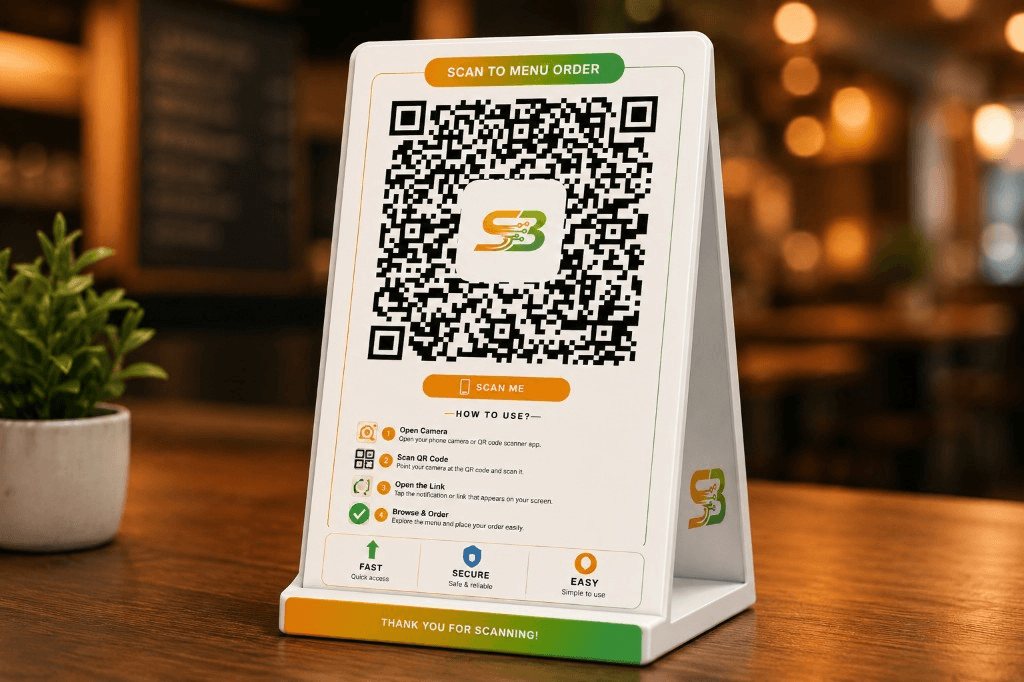
Use QR where it saves real steps: busy dine-in, large menus, or outlets short on floor staff. Keep paper menus as backup for older guests if needed.

See how this works in our QR Code Digital Menu. Browse more topics on the Blog.

Reduce wait time for menu browsing and ordering

Guests can scan and start browsing instantly, without waiting for a printed menu. This reduces idle time at the table, speeds up first-order capture, and lets your staff focus on hospitality and upselling.

Update menu items instantly

Digital menus can be updated in minutes when items sell out, prices change, or festival offers launch. Real-time updates prevent confusion, reduce ordering disputes, and keep your menu communication accurate across all tables.

Improve order flow from table to kitchen

When orders flow directly from guest selection to your system, handoff errors drop sharply. This creates a cleaner order pipeline from table to kitchen, reduces manual note-taking, and helps teams process more orders with consistency.

Capture more upsell opportunities with visual menus

Digital menus can highlight combos, add-ons, and featured items at the right moment in the ordering flow. This helps guests discover more options and increases average order value without aggressive selling.

Train staff for a hybrid flow

QR orders still need hosts to guide first-timers and kitchen to honour special requests. Brief your team: how to help scan, how to add items manually, and how to spot stuck orders. Hybrid beats all-digital or all-paper.

Want to see this in your restaurant?

Book a free demo with your menu, or start setup and try billing, stock, or QR ordering on your own tables.

Key takeaways

  • Guests order faster; staff focus on service and upsell.
  • Sold-out items disappear from the menu in seconds.
  • Kitchen sees the same ticket whether QR or waiter punched it.

Quick checklist for your outlet

  1. 1Test scan speed on average mobile data in your dining area.
  2. 2Mark your top 20 items with photos if possible.
  3. 3Print one small “scan here” tent card per table.
  4. 4Run a soft launch on five tables before going full floor.

Built for every food business format

Whether you run a cafe, bakery, cloud kitchen, fine-dine outlet, food truck, hotel, or dhaba, these workflows are designed to improve speed, control, and guest experience.

HotelsRestaurantsCafesCloud KitchensBakeriesSweet Shops

Related reads

These links connect product pages, guides, and resources so you can move from reading to the right next step.

Want to improve operations without adding complexity?

Book a free walkthrough and see how Swaad Byte helps your team handle billing, stock, and orders faster with fewer manual errors.

QR Code Digital Menu for Restaurants: Faster Orders and Better Guest Experience