Stock That Moves When the Ticket Fires — Not After Close
Set levels in the owner app. Counter, QR, and packed orders deduct as they go. You see a low item on your phone while you can still send someone to the market.
Availability on the till matches what kitchen can actually plate
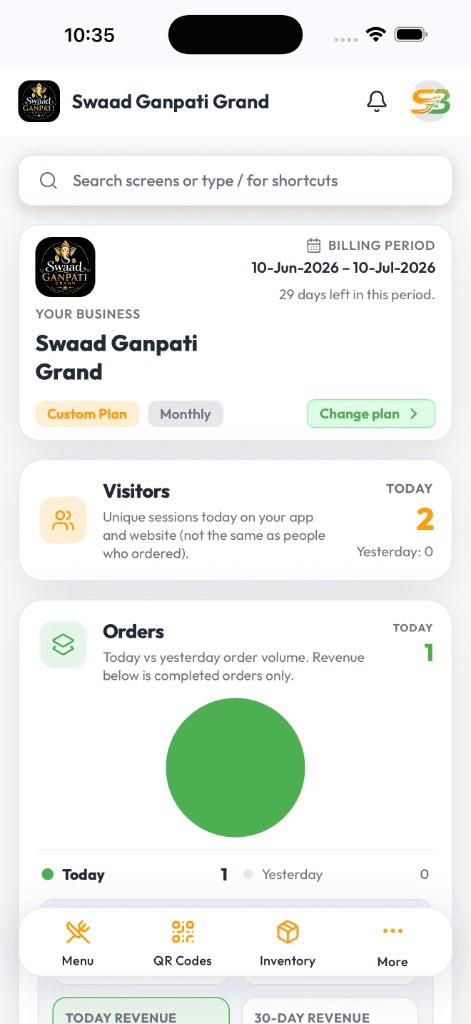
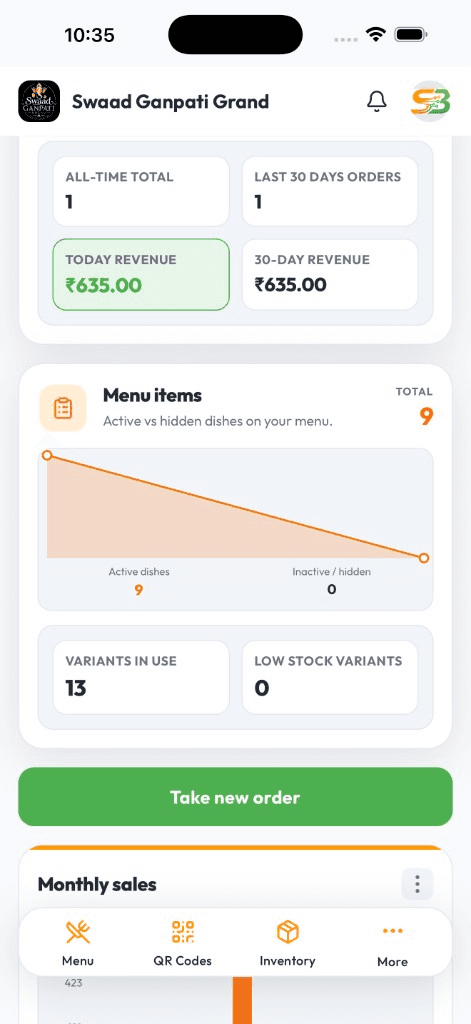
Low-stock alerts on Android or iPhone — useful before the rush, not after
The same view if you run more than one outlet or a shared cloud-kitchen line
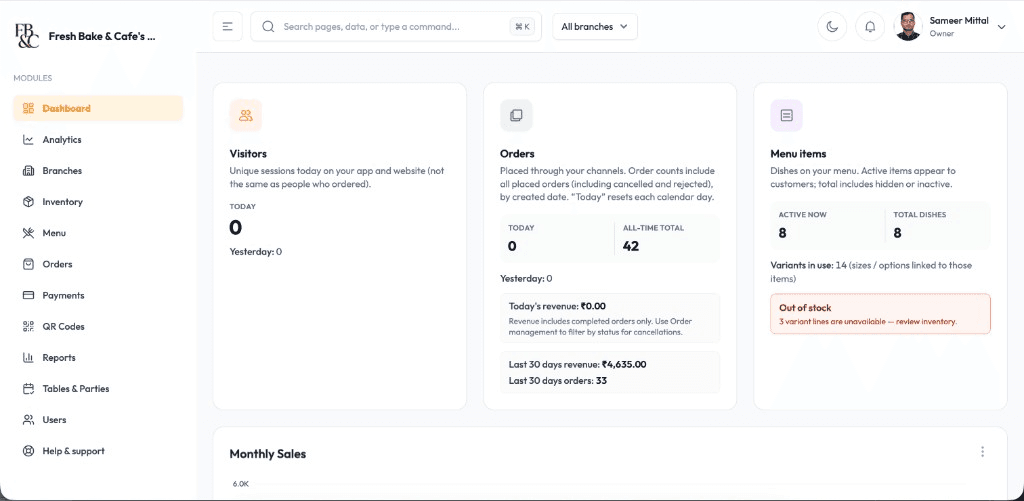
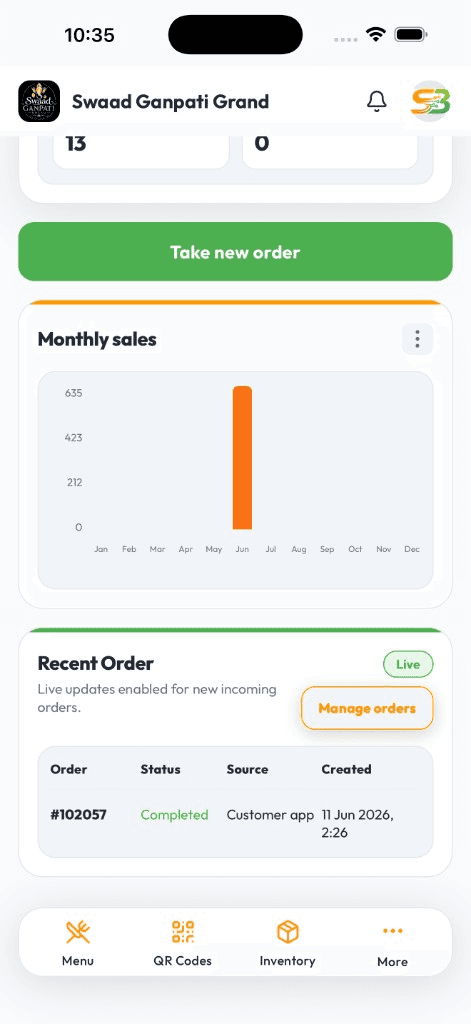
Live DashboardAvailable on Android & iOS
You find stock problems on the pass, not in a report
Paneer is gone at 8pm. Someone billed a dish you already 86'd. The purchase was 'done' on WhatsApp. None of that shows up if stock lives in a notebook the storekeeper updates tomorrow.
SwaadByte ties stock to the same tickets you bill. Kitchen and counter see the same availability. You get a low-item ping on your phone while there is still time to act.
Inventory for people who already take orders
Not a warehouse ERP. Stock that follows restaurant and kitchen tickets.
Deduct on the bill
QR, counter, and packed orders reduce stock as they go through. Billing and kitchen stop arguing about what is left.
Sold-out on the menu
Hide an item in seconds so neither the till nor the QR menu offers it.
Low-stock on your phone
See what is running down before dinner, not in a morning post-mortem.
Shared prep in a cloud kitchen
When two brands use the same protein, one ticket stream should not blindside the other.
Per-outlet if you have branches
Each door keeps its own position. You still compare from the owner app.
Tied to the reports you already want
Sales and stock live on the same tickets. Less 'the report says we sold it but the fridge is empty'.
Tied to tickets
Protect the pass without a separate stock clerk ritual
Know what you can still sell
Till and QR reflect availability, so you stop taking orders kitchen cannot fire.
Catch leakage earlier
Movement follows tickets. Odd usage is easier to see than in a weekly count nobody trusts.
Buy against what actually moved
Reorder from consumption you billed — not from a guess after a busy weekend.
Restaurant inventory fails when it is someone else's afternoon job. SwaadByte updates as you already bill.
Start the 15-day trial, or book a demo of sold-outs, alerts, and the till together.
For kitchens that 86 dishes and hate the surprise
Dine-in restaurants, cloud kitchens sharing prep, and groups that need stock per door.
Owners who find out about a stock-out from an angry table
Store or kitchen leads handling frequent inward and issue
Multi-outlet teams that cannot visit every fridge
Why operators use SwaadByte for stock
If it is not tied to the bill, it will not get updated during rush.
No second system to remember
The same app that takes the order deducts the item. That is the only way it survives Saturday.
Owner alerts off the floor
Low items on your phone when you are not standing in the store.
Trial it next to live billing
15-day free trial, no credit card. Bill, watch stock move, then decide.
How inventory starts matching the pass
Set items and opening levels, bill on SwaadByte, watch deductions. We can help you map what should decrement.
1
Create your account
Sign up and add the menu you already sell.
2
Set levels and links
Opening stock, sold-out behaviour, and how tickets should deduct.
3
Bill live
Counter, QR, packed — all of it has to go through the app or stock will lie.
4
Read alerts on the trial
Use the 15-day trial through a busy service. Tighten what you track after the first week.
No documents. No credit card. Book a demo if you want a stock walkthrough with your kitchen lead.
Android, iPhone, and Web — same login
Staff bill where service happens. You check numbers where you happen to be. Menu and tickets stay in sync.
Android for floor and counter
Fast cart billing, Bluetooth KOT, and live shift totals on the phones most restaurant staff already carry.
iPhone for owners on the move
Open today's sales, mark an item sold out, or check a payment — from home, another outlet, or the car.
Web when you need a bigger screen
Edit a large menu, compare days, and export a file for your accountant from a desktop browser.
Setup & Support
We help you go live — then stay reachable
Menu import, printer pairing, and staff walkthroughs around your service hours. WhatsApp support when something breaks mid-shift — not a ticket that waits until Monday.
24/7 Technical Setup
Dedicated engineers configure Android, iOS, and Web access with remote troubleshooting around the clock.
Menu Database Migration
Import categories, variants, taxes, and modifiers from spreadsheets or legacy POS exports without manual re-entry.
Printer & Hardware Syncing
Pair Bluetooth KOT printers, receipt printers, and counter hardware with tested workflows before service starts.
Staff Training & Handoff
On-site and virtual training for billing, kitchen tickets, and restaurant reports so every shift runs the same playbook.
Restaurant inventory FAQs
Questions owners ask before they trust stock on a phone.
Yes. QR, counter, and packed tickets can deduct as they go through, so till and kitchen see the same availability.
Yes. Hide a dish in seconds so billing and the QR menu stop offering it.
Yes. Shared prep needs one ticket stream. Low items show on your phone before the next wave.
Yes. Each outlet keeps its position; you review from the owner app.
If you only bill, you still guess the fridge. Inventory is the same product — stock views on top of those tickets.
Yes. 15-day free trial, no credit card. Bill live and watch stock follow.
Schedule a Free Demo for Your Restaurant
Share your name and WhatsApp number. We will show weekend-rush ordering, cancellations, and direct-order billing on a sample menu.
If this is close, these pages go deeper
Stock is only honest if tickets are honest. These pages cover the till, packed kitchens, and cafe counters.
If orders are still on a separate machine, start by billing on SwaadByte so stock has something to follow.
If you are already evaluating another restaurant POS, these pages explain where SwaadByte fits — and where the other product may be a better match.
SwaadByte vs GoFrugal
GoFrugal sells billing plus production, recipes, accounts, and aggregator control. SwaadByte sells a mobile restaurant OS you can try in 15 days. The useful question is whether you need ERP depth this year.
Compare billing, orders, QR menu, inventory, multi-outlet management, pricing and setup — then decide which platform matches how you actually run the restaurant. This is not a “winner” page. It is a fit check.